Your devices.
Your data.
Your next step.
From the photos on your iPhone to the projects on your Mac. Find a careful recovery route for the things you cannot replace.
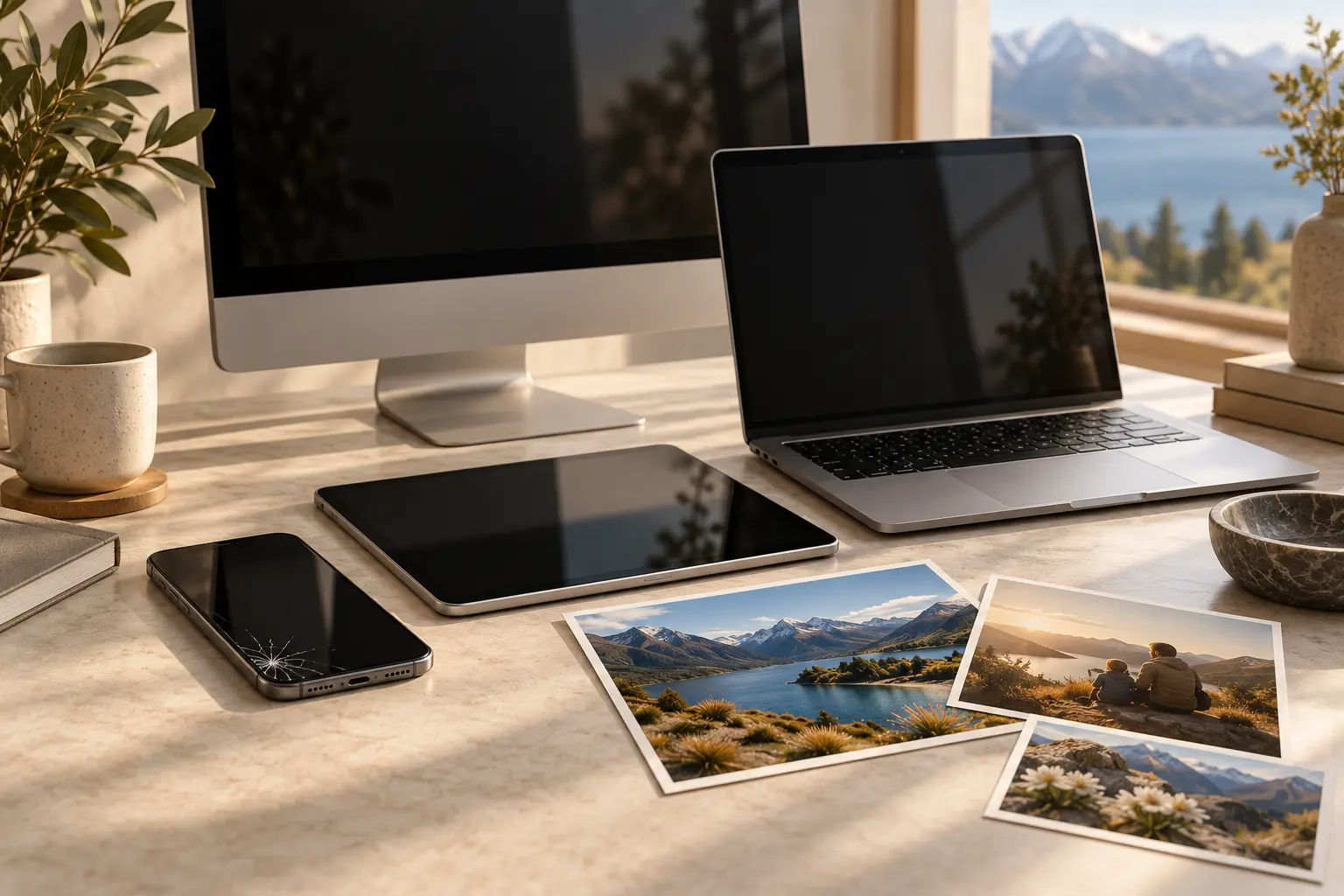
Which device holds your data?
Start with the device. Then choose the files you need or the problem you are facing.
iPhone
Photos & messages · Water & impact damage · iCloud & computer backups
Explore iPhone recovery 12 focused guidesiPad
Files & creative projects · Liquid & screen damage · iPadOS access & backups
Explore iPad recovery 12 focused guidesMacBook
Documents & Photos libraries · Liquid damage & SSDs · FileVault & Time Machine
Explore MacBook recovery 12 focused guidesiMac
Hard drives, SSDs & Fusion Drive · No power & startup faults · FileVault & backup recovery
Explore iMac recoveryDifferent devices.
Different recovery paths.
A missing photo, a wet iPad and a failed Fusion Drive need different advice.
The device still works.
Look in the right account and library, check eligible recovery folders and preserve existing copies before changing anything.
The original will not cooperate.
Record the model and symptoms. Keep original boards and storage together, and make the data the priority in an assessment.
The route depends on what remains.
Passcodes, FileVault, cloud sync and Time Machine have different roles. Find out which copies and access options actually exist.
Four questions.
A clearer starting point.
Choose your device, its situation, the data you need and the copies you can access. The finder points to relevant guidance without asking for private details.
When a guide
is only the beginning.
Data Recovery Lab NZ publishes iPhone, iPad, MacBook and storage-recovery information from its Timaru laboratory. Check the service scope, discuss your model and ask for a written quote.
Visit Data Recovery Lab NZTimaru · Nationwide mail-in options
Contact the provider before sending a device.
Service enquiries are handled by datarecoverylab.nz.
A little clarity
before the next click.
Recovery depends on the exact device, storage, access and copies.
See our sources